AI images with style references and creative editing
Midjourney
Midjourney creates AI images from text and visual references, with style controls, conversational edits and a gallery for organising your work.
Create artwork, campaign graphics and new visual concepts with AI image generators. Discover leading tools for text-to-image creation, reference-based images, photo editing and design assets, including Midjourney, Adobe Firefly and Ideogram.
Midjourney creates AI images from text and visual references, with style controls, conversational edits and a gallery for organising your work.

Adobe Firefly creates and edits images with text prompts and visual references, with moodboards, generative editing and a choice of Adobe and partner AI models.

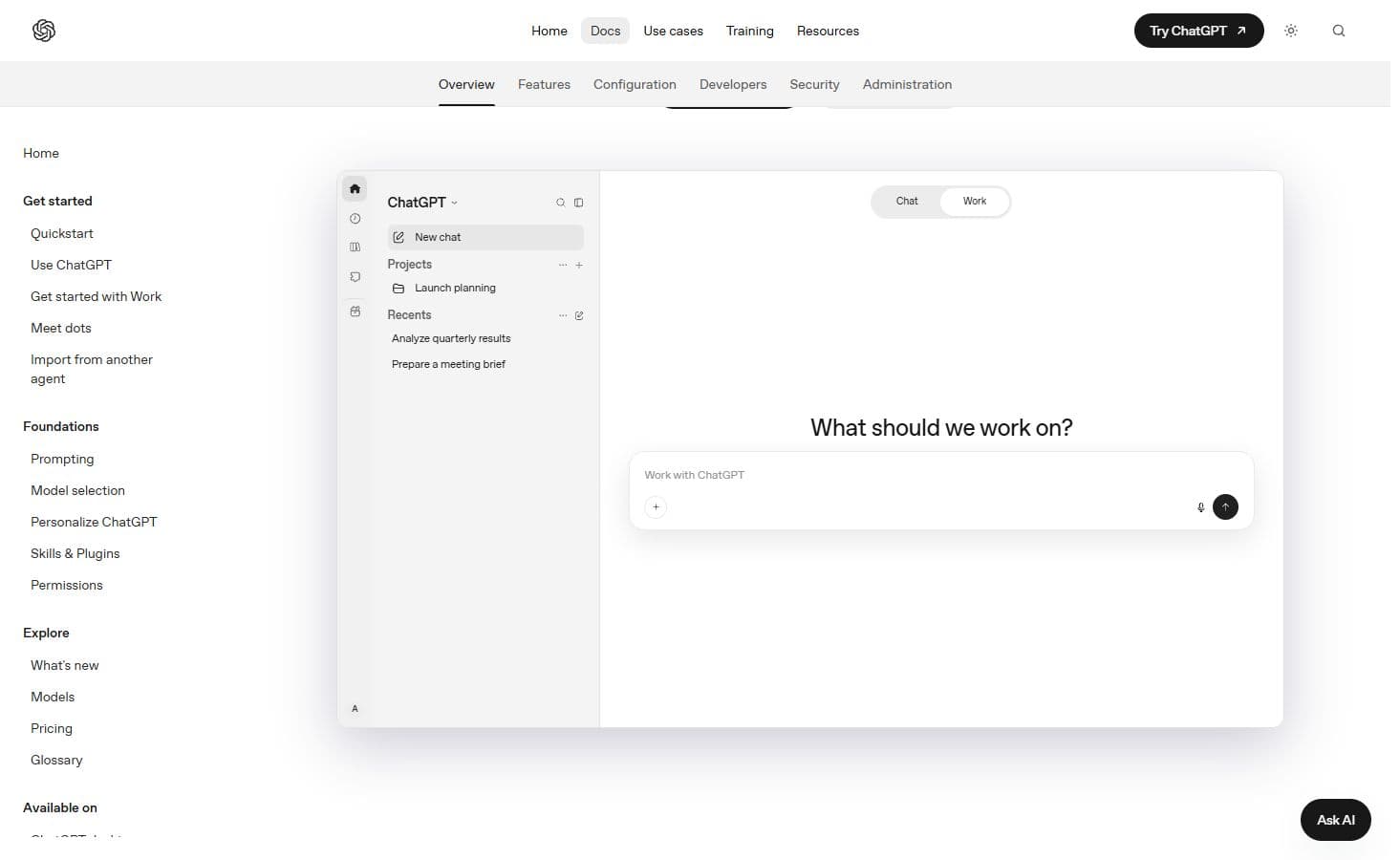
Create images and refine them through conversation in ChatGPT, alongside its writing and research tools.

Generate and edit images in Gemini as part of Google’s broader assistant and creative offering.

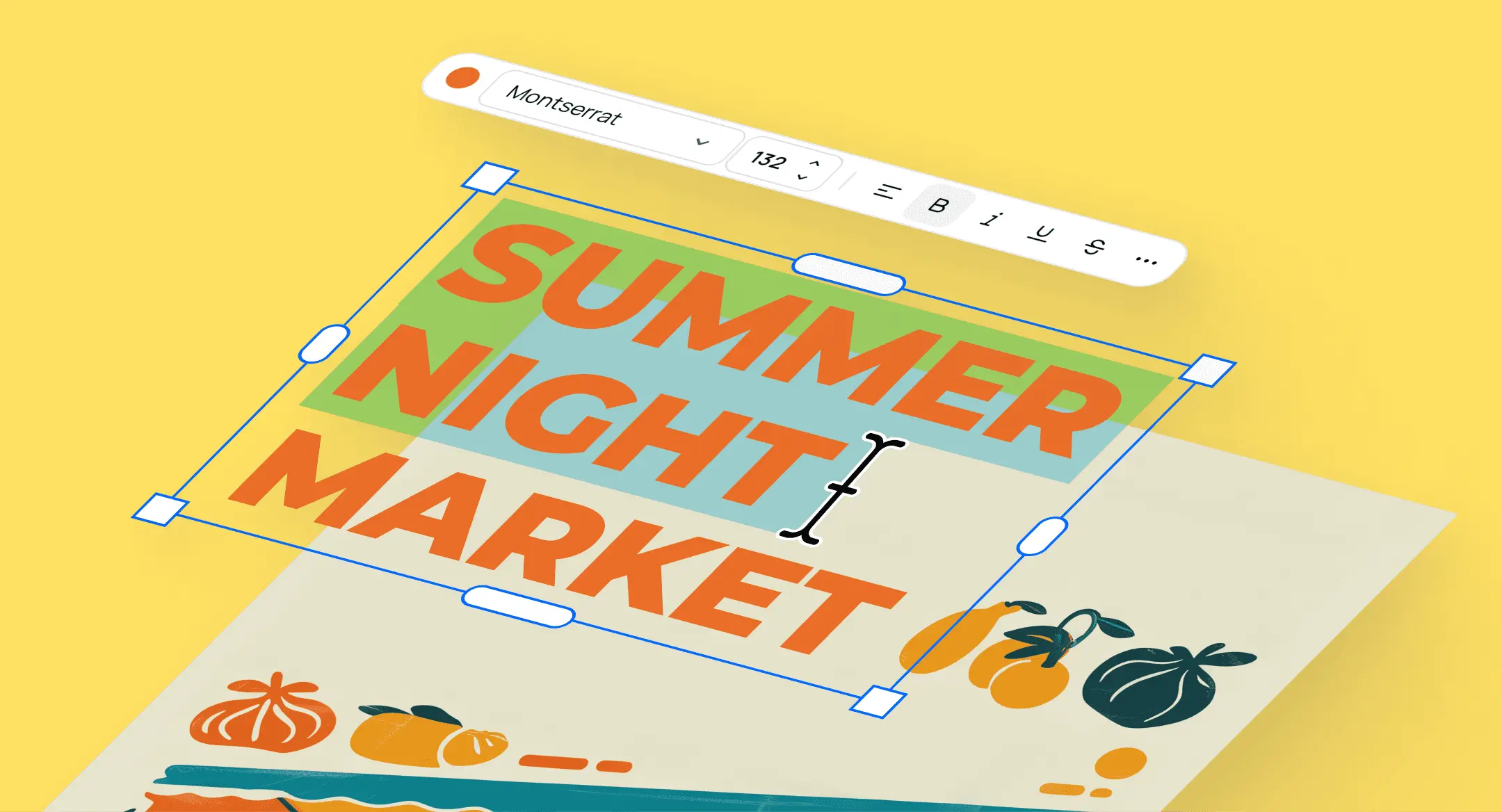
Ideogram generates and edits AI images, with a particular focus on designs with text, editable typography and repeated changes to an existing image.

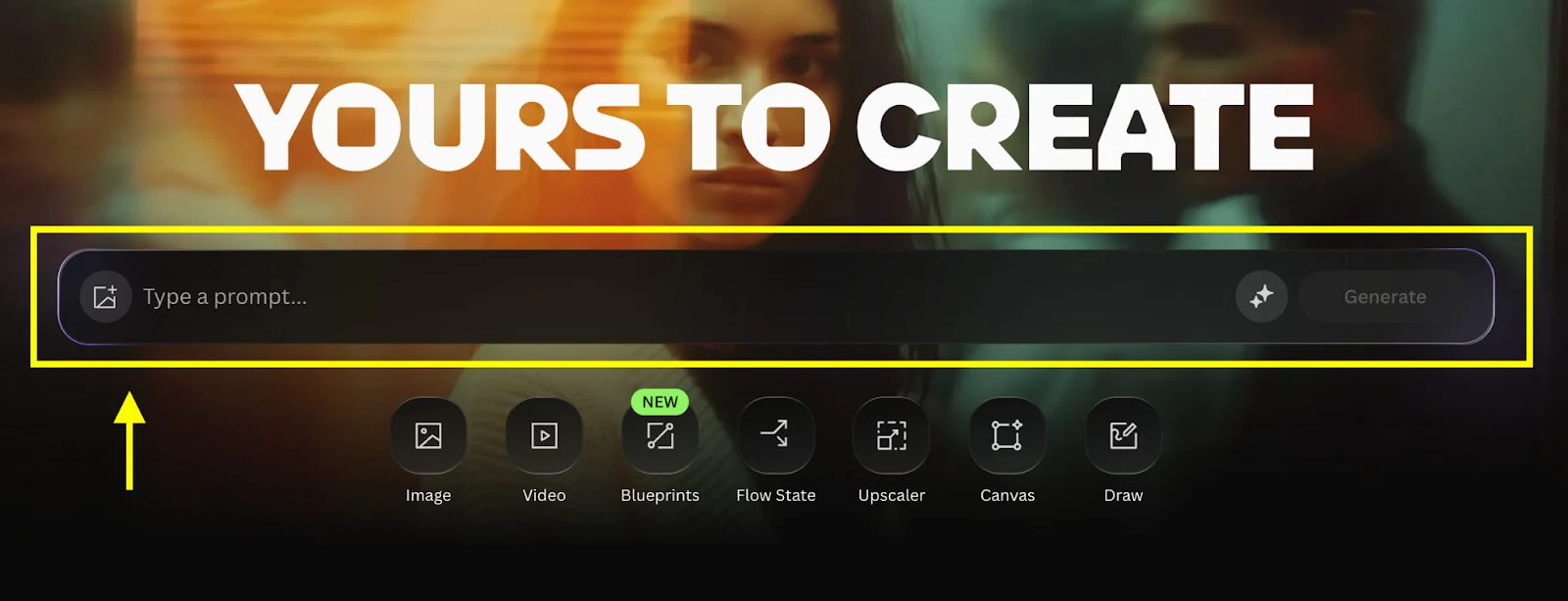
Leonardo.Ai brings AI image generation, prompt-based editing, custom visual Elements and upscaling into one workspace, with tools for moving images into video.

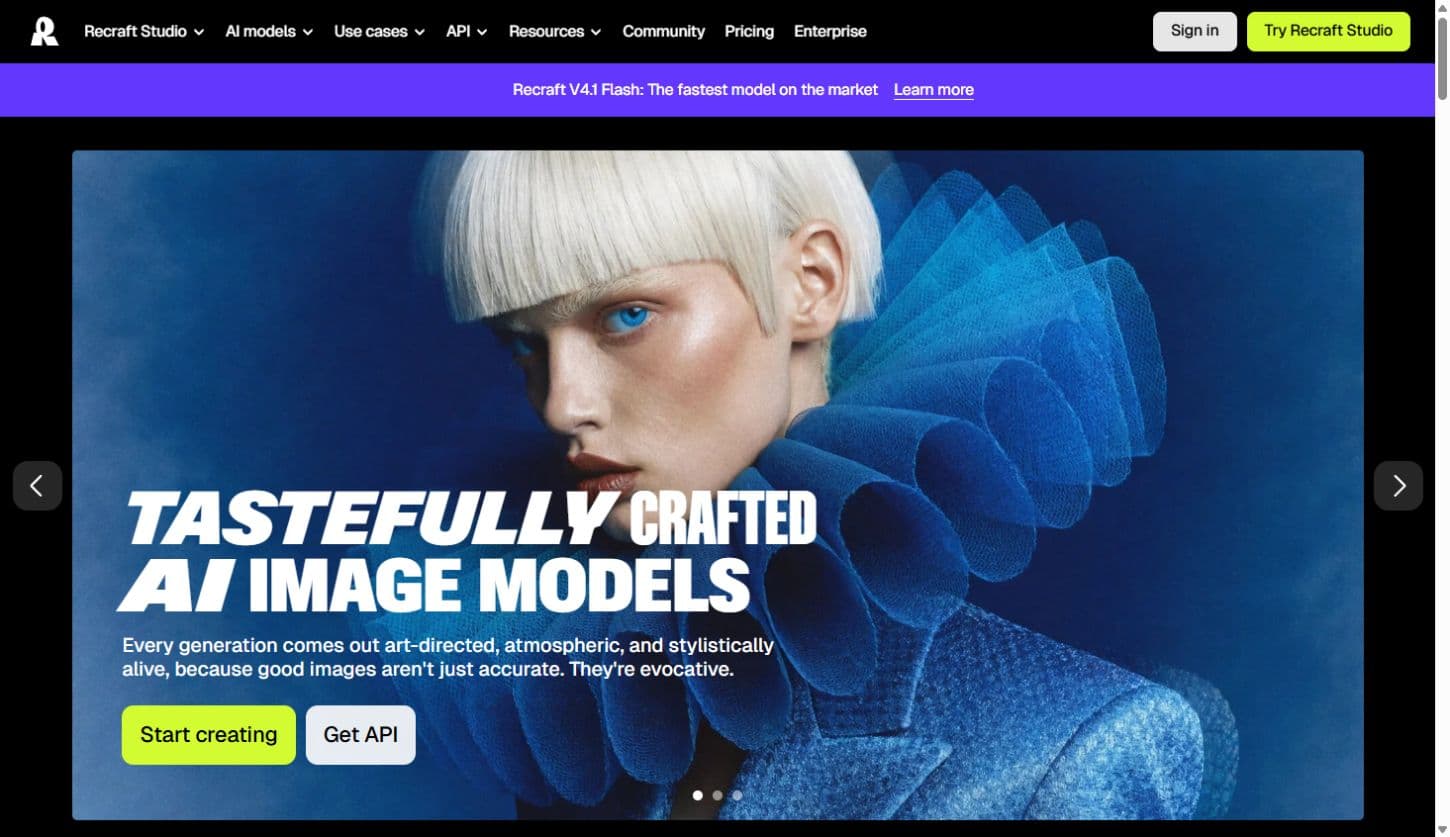
Recraft combines AI image and vector generation with editing, custom styles and mockups, helping designers create visual assets and refine them on a shared canvas.

Krea brings its own image models and third-party generators into one creative suite, with a live drawing canvas, prompt-based editing, custom styles and image upscaling.

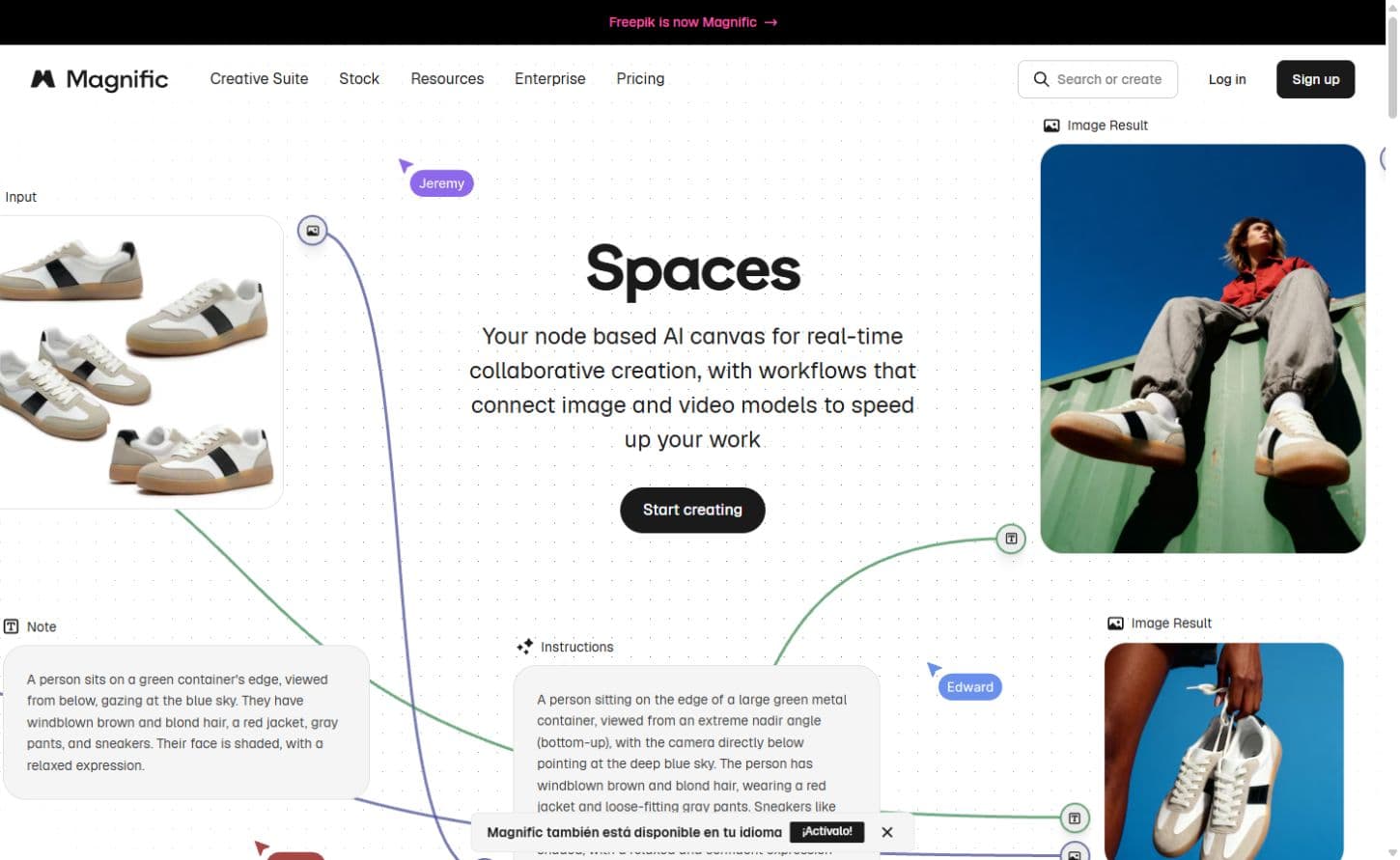
Magnific, the creative platform formerly Freepik, combines AI image models, editing and upscaling with a stock library and a canvas for connected creative work.

FLUX is Black Forest Labs’ visual model family. FLUX 3 Image combines prompt-based generation, image edits, multiple references and layout controls through a hosted API.
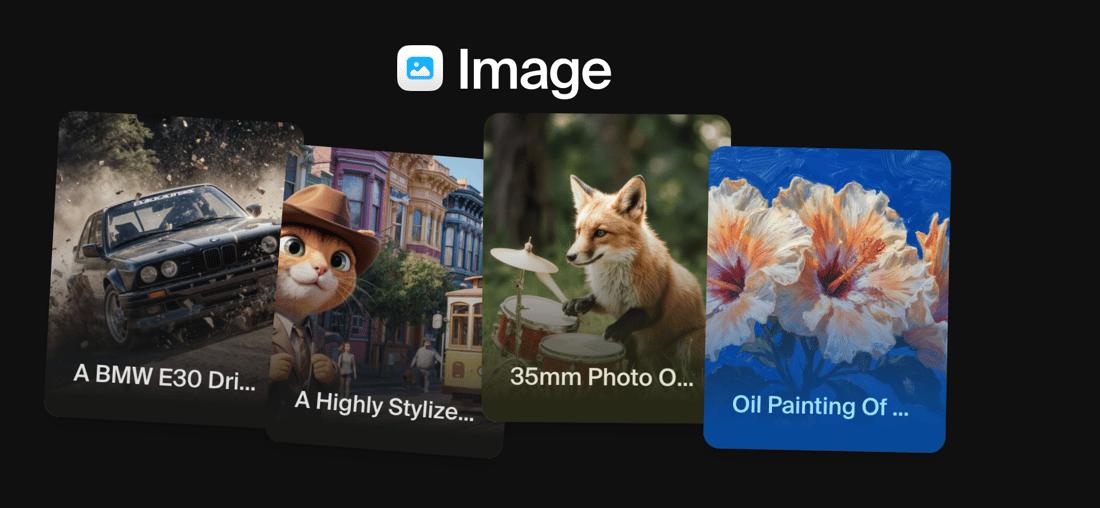
Image generators turn a written description into a picture. Midjourney offers image and style references, Leonardo combines generation with a creative workspace, and FLUX provides model and API routes for developers. These products span ready-to-use studios and components for building your own image applications.
Generation is only part of the category. Adobe Firefly includes filling and expanding images, ChatGPT supports conversational changes, and Recraft covers design assets including vectors. References and editing controls help carry an idea through successive versions; export formats determine whether the result is a picture or an editable design asset.
Image tools use several billing models: subscriptions, generation credits, per-image charges and model-specific API rates. High-resolution output or premium models can consume a different allowance. Private generation and commercial-use terms also vary by plan and provider, especially for client work and self-hosted models.
An AI image generator creates pictures from text, reference images or a combination of both. Some also edit existing images, remove elements, expand a canvas or produce design assets.
Some design-focused products, including Recraft, support vector workflows. A raster image export and an editable vector are different outputs; our product pages identify the available formats.
Commercial use depends on the product, model, subscription and intended use. Free and paid tiers may have different licences and privacy conditions. The product pages cover relevant published terms without treating them as a universal rights guarantee.
Create video clips, business presentations and edited content with AI video tools. Discover cinematic generators, talking-avatar platforms and AI-assisted editors for turning ideas and existing footage into video.
Create branded graphics, interface designs and visual content with AI design tools. Explore template-based editors, collaborative design platforms and specialist tools for logos, mockups and marketing assets.
Build presentations from a prompt, existing material or a draft outline. Discover AI slide makers, adaptive-layout editors and assistants for PowerPoint and Google Slides, with tools for branding and collaboration.
Generate 3D models and textures from prompts or reference images. Discover tools for mesh creation, asset refinement and studio production, including downloadable generators and platforms that connect with modelling software.
Convert, edit and prepare files with our own browser utilities.
Product information checked 3 October 2026. About our editorial coverage