Canva
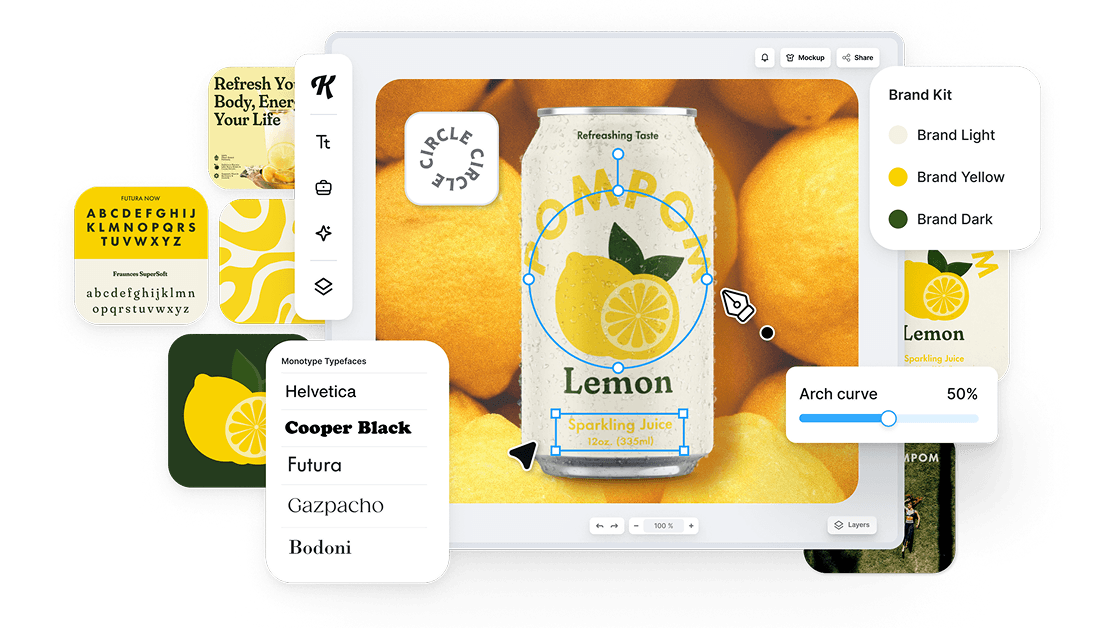
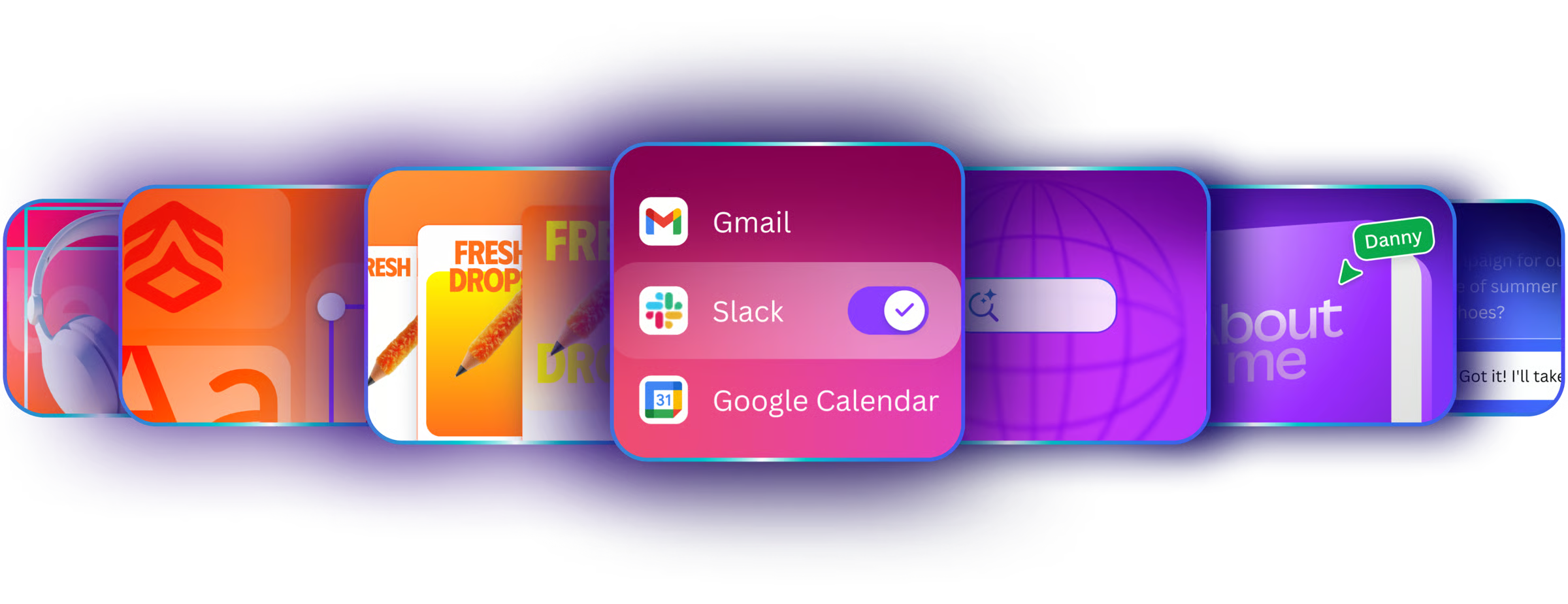
Canva brings AI design tools into an editable workspace for social graphics, presentations, documents and video. Canva AI 2.0 can develop a design through conversation, while Brand Kits and reusable templates keep everyday content consistent.

Create branded graphics, interface designs and visual content with AI design tools. Explore template-based editors, collaborative design platforms and specialist tools for logos, mockups and marketing assets.
Canva brings AI design tools into an editable workspace for social graphics, presentations, documents and video. Canva AI 2.0 can develop a design through conversation, while Brand Kits and reusable templates keep everyday content consistent.
Figma combines editable interface design, shared component libraries and developer handoff with AI tools. Its Design agent changes native canvas elements, while Figma Make creates interactive prototypes and web experiences from prompts.
Adobe Express combines templates, image editing and AI-assisted design for social posts, presentations and branded content. It connects everyday creation with Adobe assets and offers a conversational AI Assistant on eligible personal accounts.
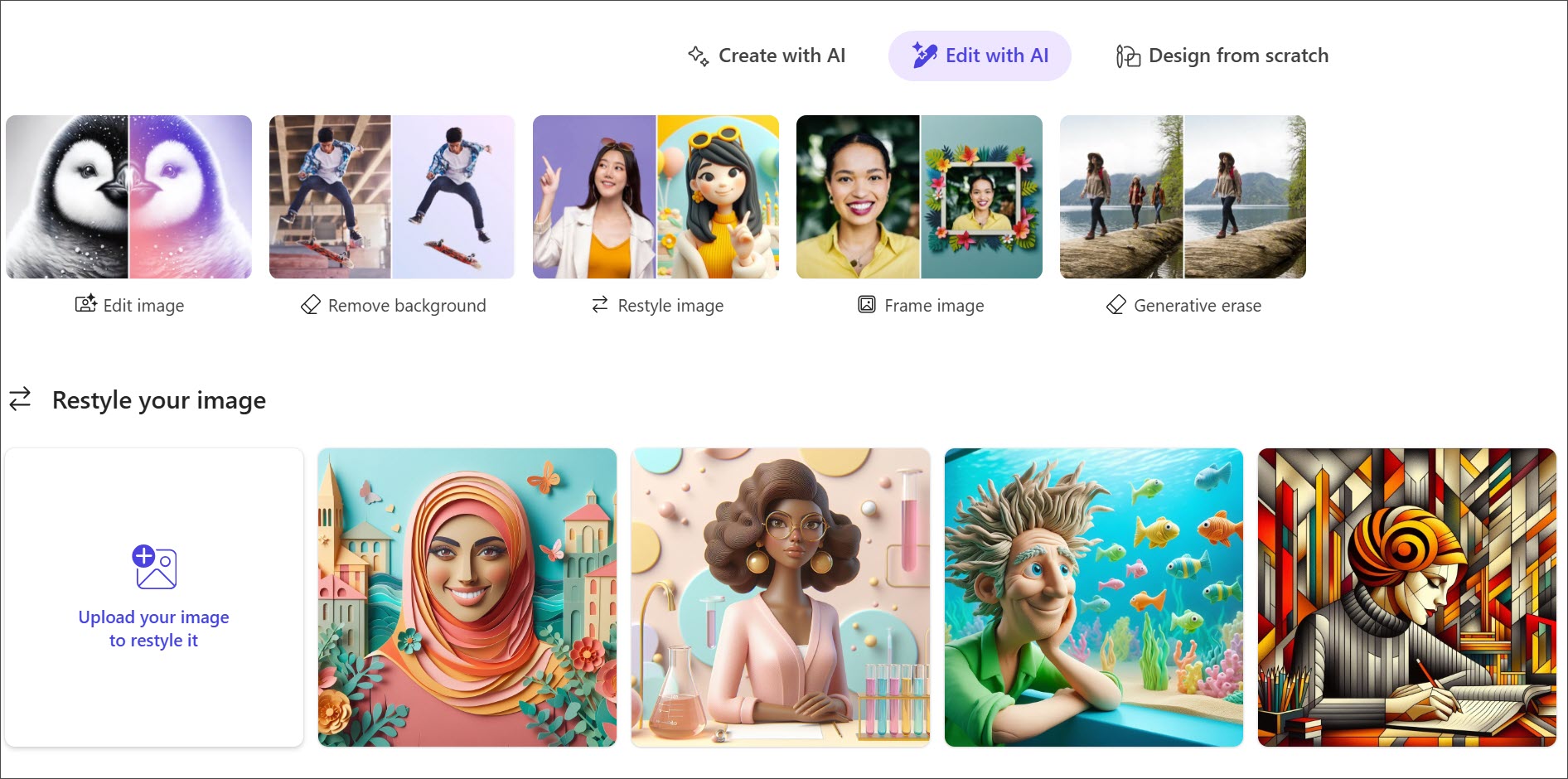
Microsoft Designer creates and edits images for invitations, greeting cards, social posts and other personal graphics. Prompt templates and AI photo tools make it approachable, with web and mobile access through a personal Microsoft account.
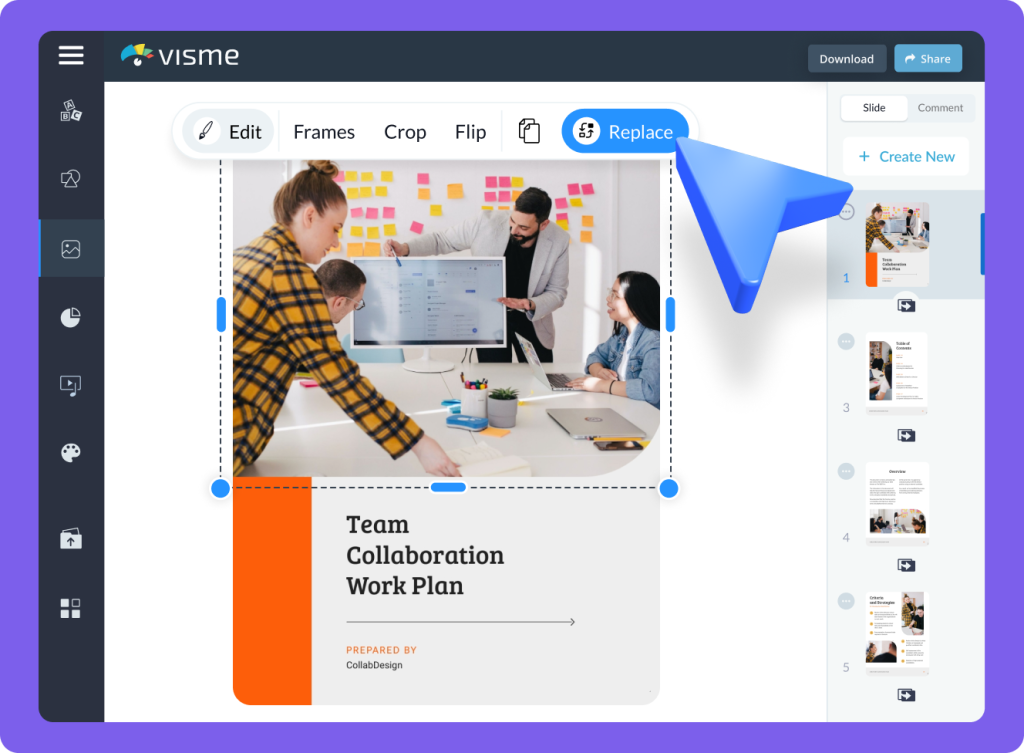
Visme combines AI-assisted design with an editable workspace for presentations, documents and graphics. Teams can reuse brand assets, build charts and add interactive content, with PowerPoint and offline exports available on eligible plans.
Piktochart turns topics, notes and documents into editable infographics and visual content. Its editor combines layouts, charts and brand assets, with plan-specific downloads for reports, presentation slides and other graphics.
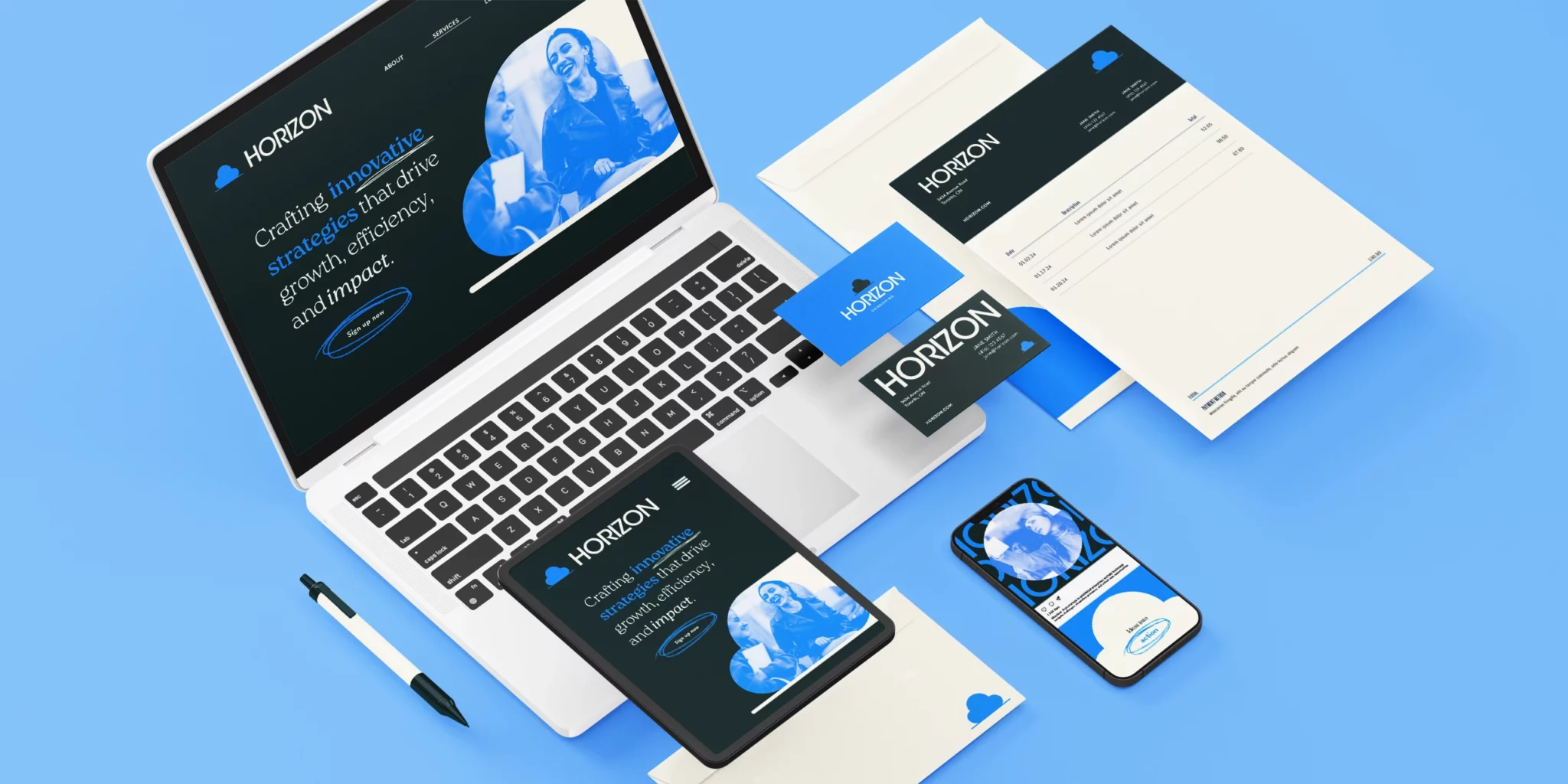
Looka turns a business name and design preferences into logo options, then carries the chosen identity into branded templates. Buy logo files once, or subscribe to a Brand Kit for business cards, social graphics and other recurring brand content.
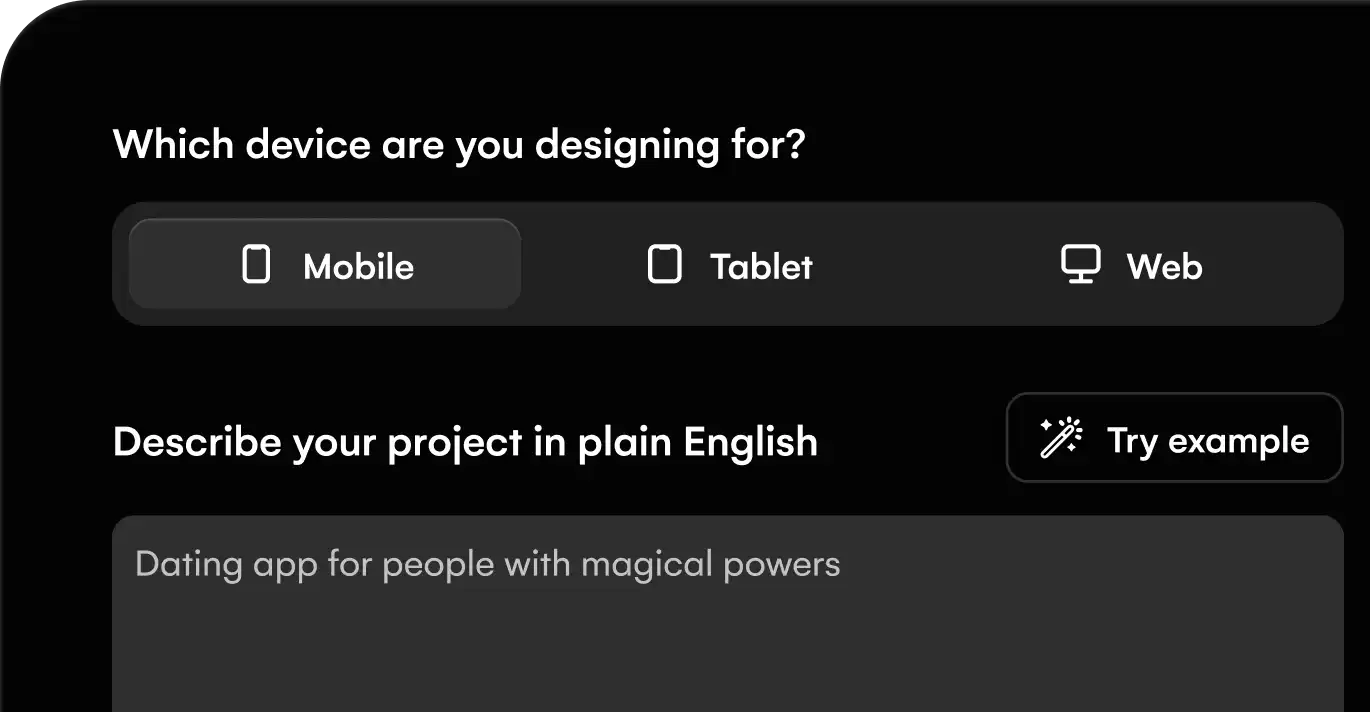
Uizard helps product teams turn ideas, screenshots and hand-drawn wireframes into editable mockups. Autodesigner generates screen concepts, while shared editing and interactive prototypes make early product ideas easier to discuss.
Google Stitch turns prompts, sketches and reference screens into editable interfaces for mobile and web apps. Connect screens into a prototype, refine the design with an AI agent, and export to Figma or front-end code.
Kittl combines typography, vector editing and AI image tools for logos, packaging, merchandise and promotional graphics. Brand Studio stores reusable assets, while the editor lets you refine a design before exporting it for print or digital use.
Canva, Adobe Express, Visme and Piktochart combine visual editing with AI-assisted content. Templates and brand controls support repeatable graphics, presentations and marketing material. Kittl adds design and vector-export options for branded artwork.
Figma combines collaborative interface design with libraries and developer handoff. Uizard specialises in mockups and prototype generation, while Google Stitch offers prompt-driven interface iteration. Editable screens and working applications are different outputs; app builders have their own category.
Looka focuses on logos and brand packages. Other design platforms use subscriptions, seats or AI credits. Export formats, editable assets and shared brand controls matter to the result: a flattened image, a vector file and a collaborative design document serve different purposes.
Logo specialists such as Looka and broader graphic editors provide logo-related tools. File packages, editable formats and licensing conditions depend on the product and purchase.
Design tools add layout, typography, templates and editable assets. Image generators focus on creating or editing pictures. Some products span both categories.
Create artwork, campaign graphics and new visual concepts with AI image generators. Discover leading tools for text-to-image creation, reference-based images, photo editing and design assets, including Midjourney, Adobe Firefly and Ideogram.
Create video clips, business presentations and edited content with AI video tools. Discover cinematic generators, talking-avatar platforms and AI-assisted editors for turning ideas and existing footage into video.
Build presentations from a prompt, existing material or a draft outline. Discover AI slide makers, adaptive-layout editors and assistants for PowerPoint and Google Slides, with tools for branding and collaboration.
Generate 3D models and textures from prompts or reference images. Discover tools for mesh creation, asset refinement and studio production, including downloadable generators and platforms that connect with modelling software.
Convert, edit and prepare files with our own browser utilities.
Product information checked 3 October 2026. About our editorial coverage