

Superhuman Mail
Superhuman Mail: AI email, inbox organisation and team collaboration
Superhuman Mail is an email client for Gmail and Outlook with AI writing, inbox organisation and collaboration tools. Split Inbox, follow-up reminders and shortcuts help manage incoming work, while higher plans add Ask AI, Auto Drafts and CRM connections.
Paid plansAccount required
- Access
- Paid access
- Available on
- Web, Desktop, Mobile
An AI email client built around inbox and team work
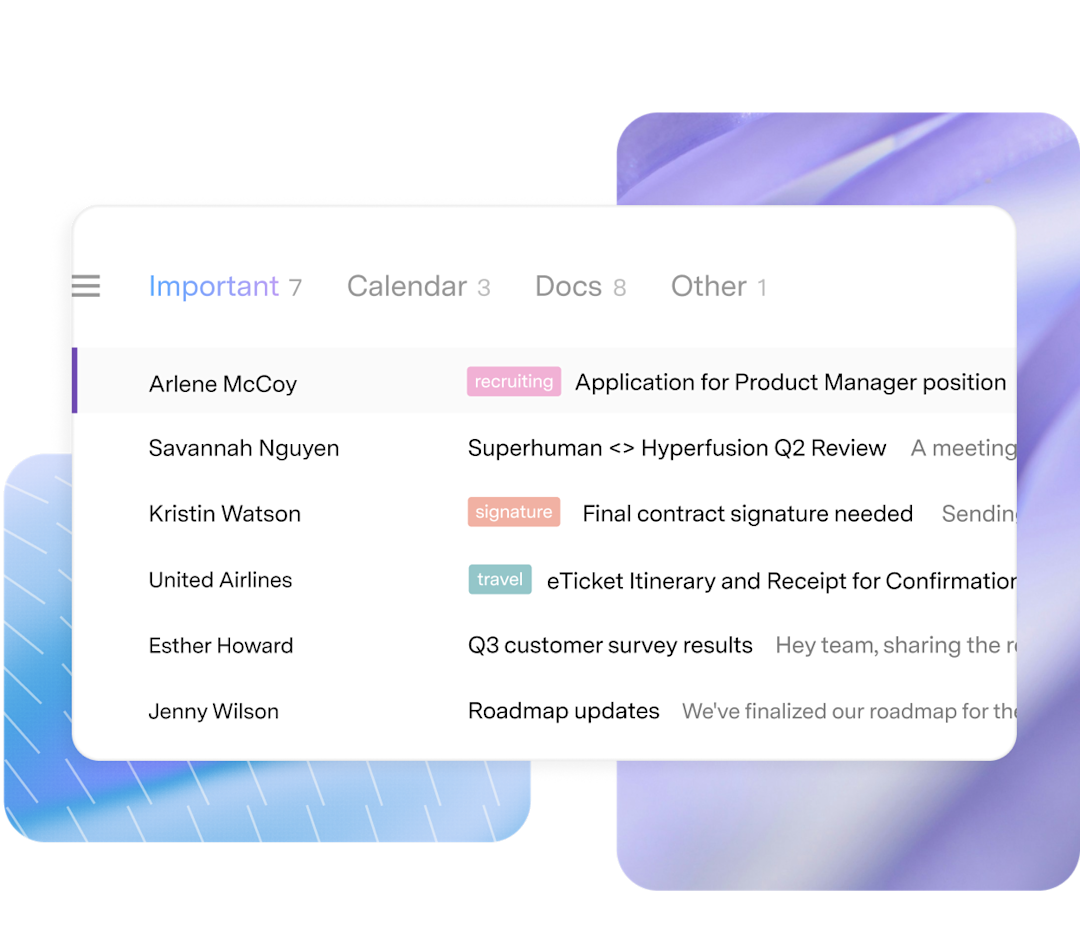
Superhuman Mail connects to Gmail or Outlook. Split Inbox separates messages into sections, while reminders, snippets, snooze and send-later tools support recurring email tasks. Shared Conversations and team comments make it possible to discuss a live thread without repeatedly forwarding messages. Keyboard shortcuts are a central part of the experience.
AI writing turns short notes into a draft that reflects the voice and tone of previously sent emails. Auto Labels and optional Auto Archive organise selected categories of incoming messages. Conversation summaries condense long threads, and voice drafting is available on mobile. Drafted text still needs review for accuracy and tone.
The Business plan adds Ask AI, Auto Drafts, Custom Auto Labels and CRM integrations. Ask AI can retrieve context from the inbox, calendar and web. Calendar tools help turn messages into events and share availability. Feature eligibility depends on the Mail subscription rather than the name of the broader Superhuman suite alone.
Starter and Business are sold as standalone Mail subscriptions; Mail is also included in the suite’s Business and Enterprise tiers. The suite’s Free and Pro tiers omit Mail. Enterprise adds administrative controls, single sign-on, team analytics and dedicated support. Superhuman says its AI providers are contractually prohibited from using customer data for model training; this is a vendor policy rather than an independent security assessment.
Best for
- Professionals managing a busy Gmail or Outlook inbox
- Teams collaborating on customer and partner conversations
- People who want AI drafting alongside email and calendar tools
Limitations
A supported Gmail or Outlook account is required. Ask AI, Auto Drafts and custom labels are higher-plan features. Mail is not included in the suite’s Free or Pro tiers. AI drafts can contain errors, and email sharing should be limited to the intended recipients.
Superhuman Mail features
Split Inbox and triage
Group incoming messages into focused sections and use AI labels for supported categories.
AI writing and summaries
Generate draft replies and condense longer conversations.
Reminders, snooze and snippets
Follow up on unanswered messages and reuse common responses.
Team conversations and comments
Discuss live email threads with colleagues.
Ask AI and Auto Drafts
Use Business-plan assistance to retrieve context and prepare replies.
Calendar and CRM tools
Share availability and connect eligible customer-management systems.
Superhuman Mail pricing
Paid plans. Custom pricing. Visit Superhuman Mail for full plan details and current offers.
Technical specifications
Productivity and knowledge
| Feature | Superhuman Mail |
|---|---|
| Workspace workflow | Email triage, drafting, follow-up and team conversation collaboration.Standalone Starter, Business or Enterprise |
| Connected knowledge | Connected Gmail/Outlook messages; Ask AI can use inbox, calendar and web context.Ask AI is a higher-plan feature |
| Permission and sharing controls | Enterprise adds administrative security controls and single sign-on.Enterprise plan |
| Editable outputs | Draft emails, conversation summaries, inbox labels and calendar events.Review generated text; automated organisation is configurable |
| Workspace integrations | Gmail and Outlook; higher plans list HubSpot and Salesforce CRM connections.Business or Enterprise CRM access |
Superhuman Mail alternatives
Gemini in Google Workspace brings AI into Gmail alongside other business apps. Motion focuses on tasks and calendar planning, while ClickUp brings messages, documents and project work into a shared workspace.
Gemini in Google Workspace
AI assistance in Gmail and eligible Google productivity apps.
Compare with Superhuman MailClickUp
Team communication, collaborative documents and AI project assistance.
Compare with Superhuman MailSuperhuman Mail FAQs
Which email providers does Superhuman Mail support?
Superhuman Mail is built for Gmail and Outlook accounts.
Does the free Superhuman suite include Mail?
No. The suite includes Mail in Business and Enterprise. Free and Pro cover other products, and standalone Mail has its own subscriptions.
Which plan includes Ask AI and Auto Drafts?
Standalone Mail Business includes Ask AI, Auto Drafts, Custom Auto Labels and CRM integrations. Starter includes most other core AI and email productivity features.
Can I collaborate on email with colleagues?
Yes. Shared Conversations and team comments provide a live thread for discussion, and team reply indicators help show when someone is responding.
Does Superhuman automatically send every AI draft?
No. AI drafts and instant replies are prepared for review. The product also advertises optional assistant sending capabilities; automatic sending is not inherent to every draft.
Does Superhuman use my emails to train AI providers?
Superhuman states that its AI subprocessors are contractually prohibited from using customer data for model training. This policy does not mean email is processed entirely on your device.
Is this your product? Claim this page to update your listing.