

Gemini Notebook
Gemini Notebook: AI research, notes and study tools
Turn documents, websites and media into cited research answers, Audio Overviews, study aids and presentations with Gemini Notebook, formerly NotebookLM.
Free plan availableAccount required
- Access
- Free and paid plans
- Example plan
- USD 4.99 / monthGoogle AI Plus — US
- Available on
- Web, Mobile, API
A research notebook built around your source material
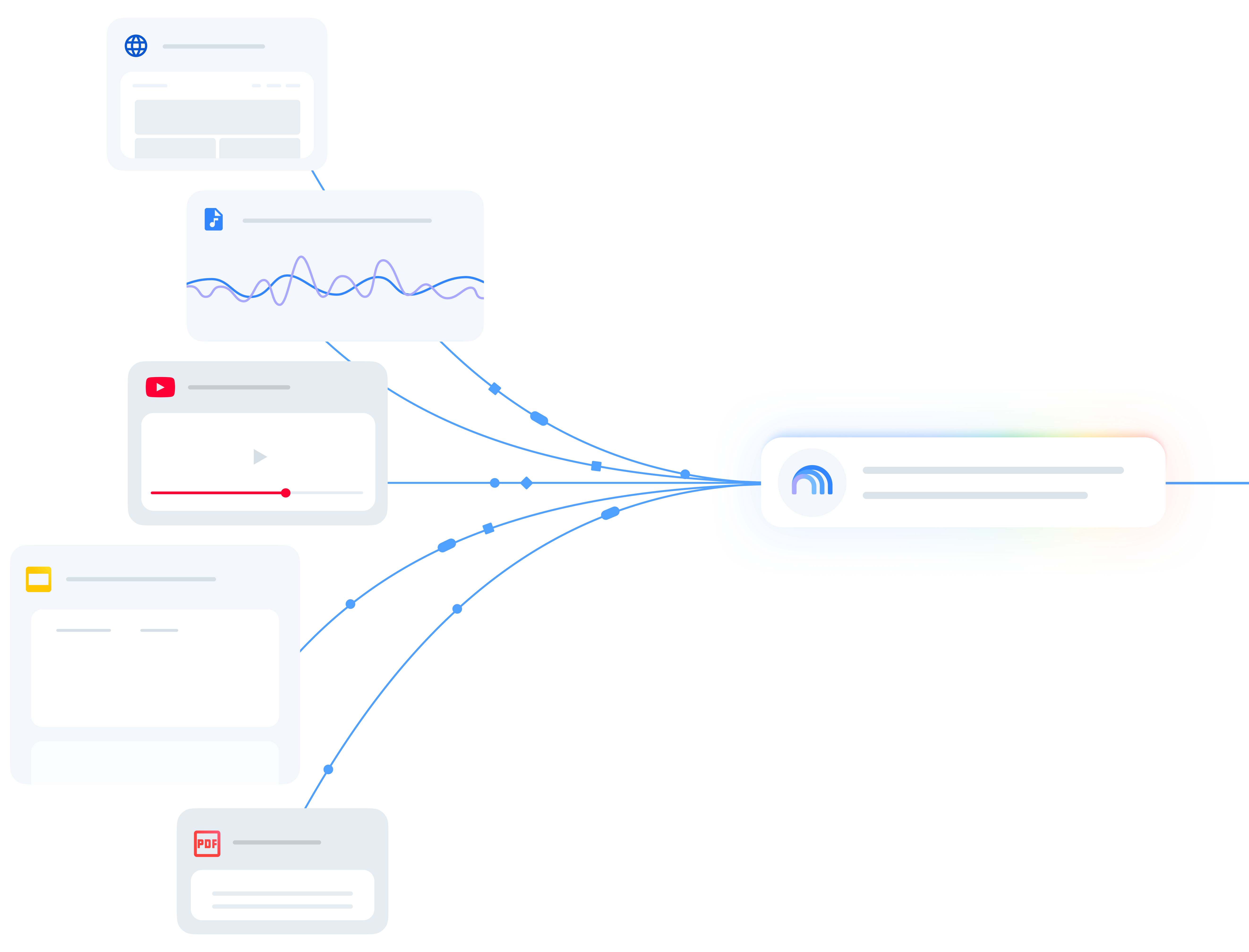
Gemini Notebook brings reference material into a reusable AI research workspace. Formerly called NotebookLM, it keeps documents, websites, audio and other supported sources together so you can ask questions across a collection. Source citations link answers back to relevant passages, helping you follow an explanation into the material behind it.
The Studio adds ways to learn from and present that material. Audio Overviews create spoken summaries; flashcards and quizzes support revision; reports, mind maps, infographics and slide decks give a collection a more useful shape. Notes can combine your own writing with saved answers. Fast Research and Deep Research help find additional sources that can be reviewed and imported into a notebook.
The web version offers the broadest set of inputs and editing features, while the mobile app makes source questions and audio easier to use on the go. Standard access is free. Google AI bundles increase source capacity and compute-based usage, and qualifying Workspace, Education and Cloud plans provide organisation access. Notebooks also connect with Gemini Apps, where grounding and data settings differ.
Best for
- Students studying course material
- Researchers working with a collected source library
- Teams preparing briefings and learning materials
Limitations
Generated answers and artifacts can contain mistakes. Mobile has fewer input and Studio features, and complex requests use more of the available allowance. Access also depends on region, age and account type.
Gemini Notebook features
Questions with source citations
Ask about selected material and open citations to inspect the quoted context behind an answer.
Source discovery and Deep Research
Find web or accessible Drive sources, review the results and import material into your notebook.
Audio Overviews
Turn material into spoken summaries, discussions or debates. Interactive audio is available in English; web downloads and mobile offline access differ.
Study and presentation tools
Create quizzes, flashcards, reports, visual summaries and slide decks from your sources. Feature support differs between web and mobile.
Notes and document exports
Save useful answers, write your own notes and export notes or tables to Google Docs and Sheets. Slide decks can export to PDF or PowerPoint.
Organisation access
Qualifying Workspace and Education plans add access and data protections. Cloud Enterprise has separate licences and preview APIs for notebook management.
Gemini Notebook pricing
Free plan available. Subscription plans. Visit Gemini Notebook for full plan details and current offers.
Example plans.
Google AI Plus — US
USD 4.99 / month
Gemini Notebook via Google AI plan
Plan details
US monthly Google AI bundle including Notebook; twice standard Notebook usage and 100 sources per notebook.
Google AI Pro — US
USD 19.99 / month
Gemini Notebook via Google AI plan
Plan details
US monthly Google AI bundle including Notebook; four times standard Notebook usage and 300 sources per notebook.
Google AI Ultra 5x — US
USD 99.99 / month
Gemini Notebook via Google AI plan
Plan details
US monthly Google AI bundle; Notebook usage five times Pro. Eligible regions and plan capacity apply.
Technical specifications
Search and research
| Feature | Gemini Notebook |
|---|---|
| Source corpus | A notebook’s imported material, with optional discovery from the web or accessible Google Drive files.Selected sources; discovery results must be imported |
| Citation workflow | Answers cite source passages, text and images; citations open the relevant context.Source-based notebook chat |
| Document inputs | PDF, DOCX, TXT, Markdown, CSV, PPTX, ePub, Google files, images, audio and public captioned YouTube videos. Up to 500,000 words or 200 MB per uploaded source; format-specific limits apply.Web input support; mobile accepts fewer formats |
| Research workflow | Source discovery and Deep Research feed a notebook; chat, notes and Studio turn the collection into study aids, reports and presentations.Feature availability varies by platform and account |
| Export formats | Notes export to Google Docs; data tables within notes export to Google Sheets. The exported files do not sync edits or inherit notebook sharing permissions.Web notes; output-specific export |
| Documents per project (documents) | 50Standard sources per notebook; Plus 100, Pro 300, Ultra 20 TB 500, Ultra 30 TB 600 |
| API access | SupportedEnterprise preview management API; separate Cloud licences, not a consumer chat API |
Education and learning
| Feature | Gemini Notebook |
|---|---|
| Subjects and learner audience | Learning from supplied course documents, notes and reference material, rather than a fixed subject curriculum.Source-based study materials |
| Learning and feedback mode | Source questions, Audio Overviews, quizzes and flashcards, with a Learning Guide chat style.Web chat; Studio and mobile availability vary |
| Study material inputs | Documents, supported Google files, websites, audio, images and public captioned YouTube videos. Mobile accepts fewer formats.Web inputs; source and format limits apply |
| API access | SupportedEnterprise preview management API with separate Cloud licences |
Gemini Notebook alternatives
Other products for discovering papers, reviewing academic evidence and researching the web.
Consensus
Scientific paper search and cited answers across published research.
Compare with Gemini NotebookElicit
Structured screening, evidence extraction and systematic reviews.
Compare with Gemini NotebookPerplexity
Web-first research with cited answers and shared projects.
Compare with Gemini NotebookGemini Notebook FAQs
Is Gemini Notebook the same as NotebookLM?
Yes. Google renamed NotebookLM to Gemini Notebook in July 2026. Existing notebooks remain accessible, and the product continues on the web and mobile.
Is Gemini Notebook free?
Standard access is free with a Google account and includes up to 50 sources per notebook. Google AI Plus, Pro and Ultra increase capacity and usage; qualifying organisation plans have separate access terms.
How many questions can I ask?
Current usage depends on compute, including prompt complexity, the feature and the length of the conversation. Usage refreshes every five hours until the weekly ceiling. The app shows remaining usage and the next refresh time.
Does Google use my notebook sources to train AI?
Notebook content is not directly used to train Google’s foundational models unless you provide feedback. Consumer feedback can include prompts, uploads and outputs for review. Qualifying Workspace and Education content is not used for training or human review, including with feedback.
Is this your product? Claim this page to update your listing.